
Finding the right educational apps and toys can feel overwhelming. Store shelves and app stores overflow with products claiming to boost learning, but not all deliver real value. Parents need practical educational apps and toys tips to make informed choices.
This guide breaks down how to select age-appropriate tools, balance screen time with hands-on play, and spot quality features that actually support child development. Whether shopping for a toddler or a grade-schooler, these strategies help parents invest in products that make learning stick.
Table of Contents
ToggleKey Takeaways
- Match educational apps and toys to your child’s developmental stage rather than relying on marketing claims.
- Balance screen time with hands-on play by pairing digital learning apps with physical toys that reinforce the same concepts.
- Look for quality features like interactive feedback, progression systems, and limited ads when choosing educational products.
- Play together with your child to transform passive learning into active conversations that boost retention.
- Rotate toys regularly to maintain engagement and discover which educational apps and toys genuinely captivate your child.
- Follow your child’s interests—passion-driven learning leads to deeper engagement and better outcomes.
How to Choose Age-Appropriate Educational Apps and Toys
Age matters more than marketing claims. A toy labeled “educational” means nothing if it doesn’t match a child’s developmental stage.
Match Products to Developmental Milestones
Toddlers (ages 1-3) benefit from toys that develop motor skills and cause-and-effect understanding. Shape sorters, stacking blocks, and simple puzzle apps work well here. Preschoolers (ages 3-5) can handle more complex interactions, think letter-tracing apps, counting games, and building sets with instructions.
School-age children (ages 6-10) thrive with educational apps and toys that introduce problem-solving, coding basics, and science concepts. Products like circuit-building kits or strategy-based learning games challenge their growing minds appropriately.
Check Age Ratings, But Don’t Stop There
Age ratings on apps and packaging offer a starting point. But, parents should also consider their child’s individual interests and abilities. A 5-year-old fascinated by dinosaurs might engage deeply with a paleontology app rated for ages 6 and up. Meanwhile, a shy 7-year-old might prefer single-player learning games over multiplayer options.
Reading user reviews from other parents provides real-world insight. Look for comments about difficulty level, engagement time, and whether kids actually learned something.
Balancing Screen Time With Hands-On Learning
Screen-based learning has value, but kids also need physical play. The best approach combines both.
Set Clear Screen Time Limits
The American Academy of Pediatrics recommends one hour of high-quality screen time daily for children ages 2-5. Older kids benefit from consistent limits too. Parents can use device settings or dedicated apps to enforce these boundaries.
Here’s the key: quality trumps quantity. Thirty minutes with an interactive reading app beats two hours of passive video content.
Pair Digital and Physical Play
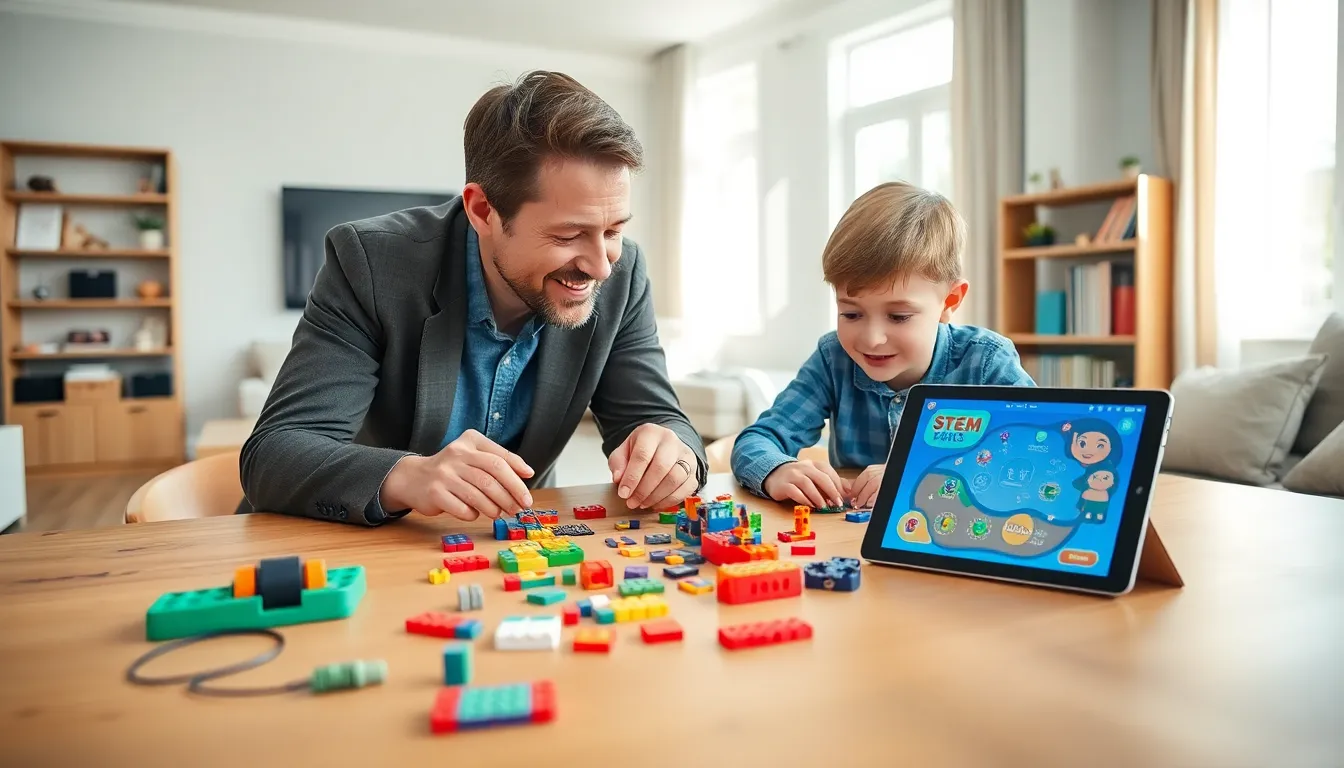
Smart parents connect screen activities to real-world experiences. If a child uses a coding app, follow up with a robotics toy that applies those concepts physically. After playing a geography game, pull out a globe or plan a related craft project.
This integration reinforces learning through multiple channels. Kids remember concepts better when they experience them in different formats.
Create Tech-Free Learning Zones
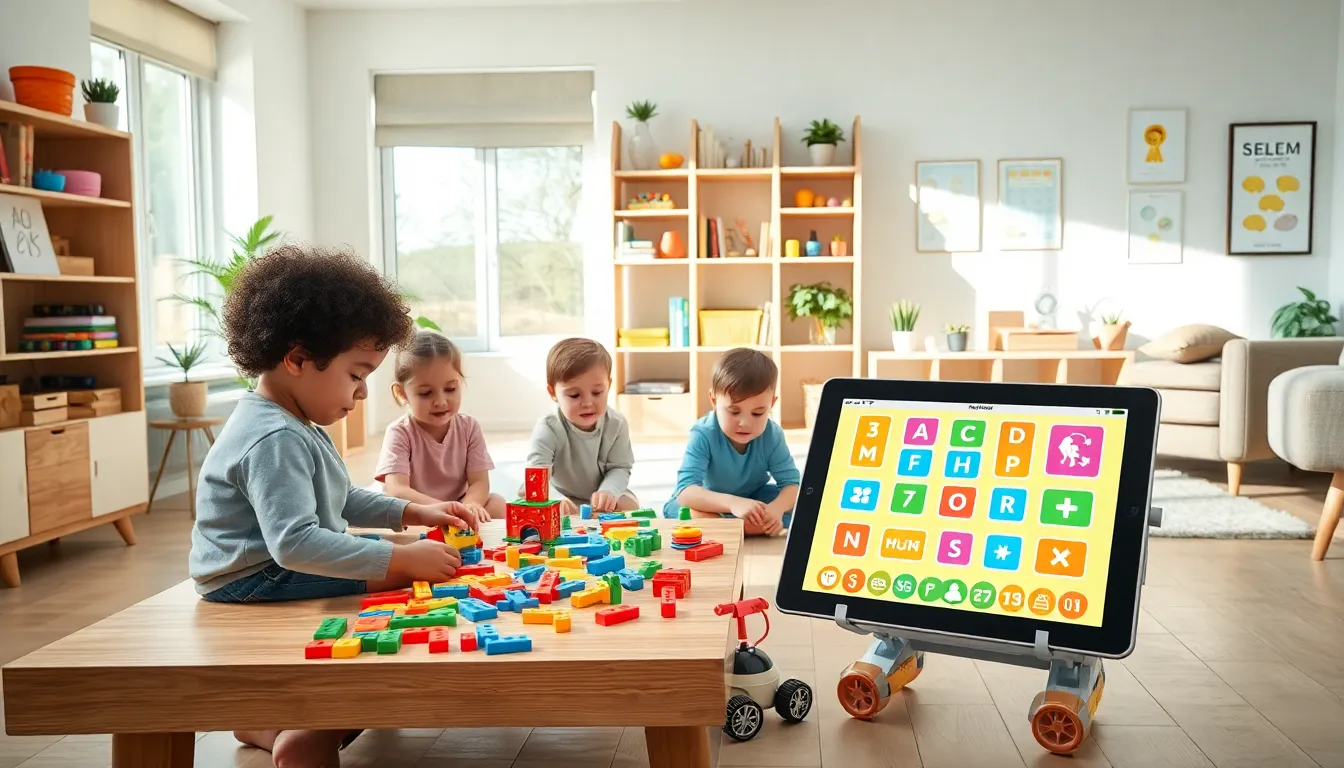
Designate certain times or spaces for screen-free play. Dinner tables, bedrooms, and outdoor time can remain device-free zones. Traditional educational toys, building blocks, art supplies, science kits, fill these spaces with hands-on discovery.
Features to Look for in Quality Educational Products
Not every product with “learning” in its name actually teaches anything. Parents should examine specific features before purchasing.
Interactive Feedback
Quality educational apps and toys respond to children’s actions with meaningful feedback. The best products adjust difficulty based on performance. If a child struggles with letter recognition, the app should provide extra practice, not just move forward regardless.
Look for apps that explain wrong answers rather than simply marking them incorrect. This teaching approach builds understanding instead of encouraging guessing.
Progression Systems
Effective learning tools build skills incrementally. A math app should start with basic counting before introducing addition. Construction toys should offer projects at multiple difficulty levels.
Progression keeps children engaged over time. Products without growth paths often get abandoned after initial novelty wears off.
Limited Ads and In-App Purchases
Frequent advertisements interrupt learning flow and frustrate kids. In-app purchases can pressure children (and parents’ wallets). The best educational apps either charge upfront or offer reasonable subscription models without constant upsells.
Many quality apps offer free trials. Parents should test products themselves before handing devices to children.
Curriculum Alignment
For school-age kids, look for apps that align with educational standards. Products referencing Common Core or state learning objectives often provide more structured skill development than generic “learning games.”
Tips for Maximizing Learning Through Play
Even the best educational apps and toys work better with parent involvement.
Play Together
Children learn more when adults participate. Ask questions about what they’re building or solving. Celebrate discoveries together. This engagement transforms passive consumption into active learning conversations.
Co-playing also helps parents assess whether a product actually delivers educational value, or just entertainment dressed up as learning.
Rotate Toys Regularly
Kids often ignore toys they see every day. Store some educational toys out of sight and rotate them weekly or monthly. “New” old toys spark fresh interest and renewed engagement.
This strategy also reveals which products genuinely captivate children versus those that seemed appealing at the store.
Connect Play to Real Life
Help children see how their play relates to the world around them. A child learning fractions through an app can help measure ingredients while cooking. Building block enthusiasts might enjoy spotting architecture during walks.
These connections show kids that learning isn’t confined to apps or toys, it’s everywhere.
Follow the Child’s Lead
Forced learning rarely works. If a child shows interest in animals, lean into animal-themed educational products. Passion drives engagement, and engagement drives learning.
Parents should resist pushing products that don’t resonate, regardless of how educational they seem on paper.