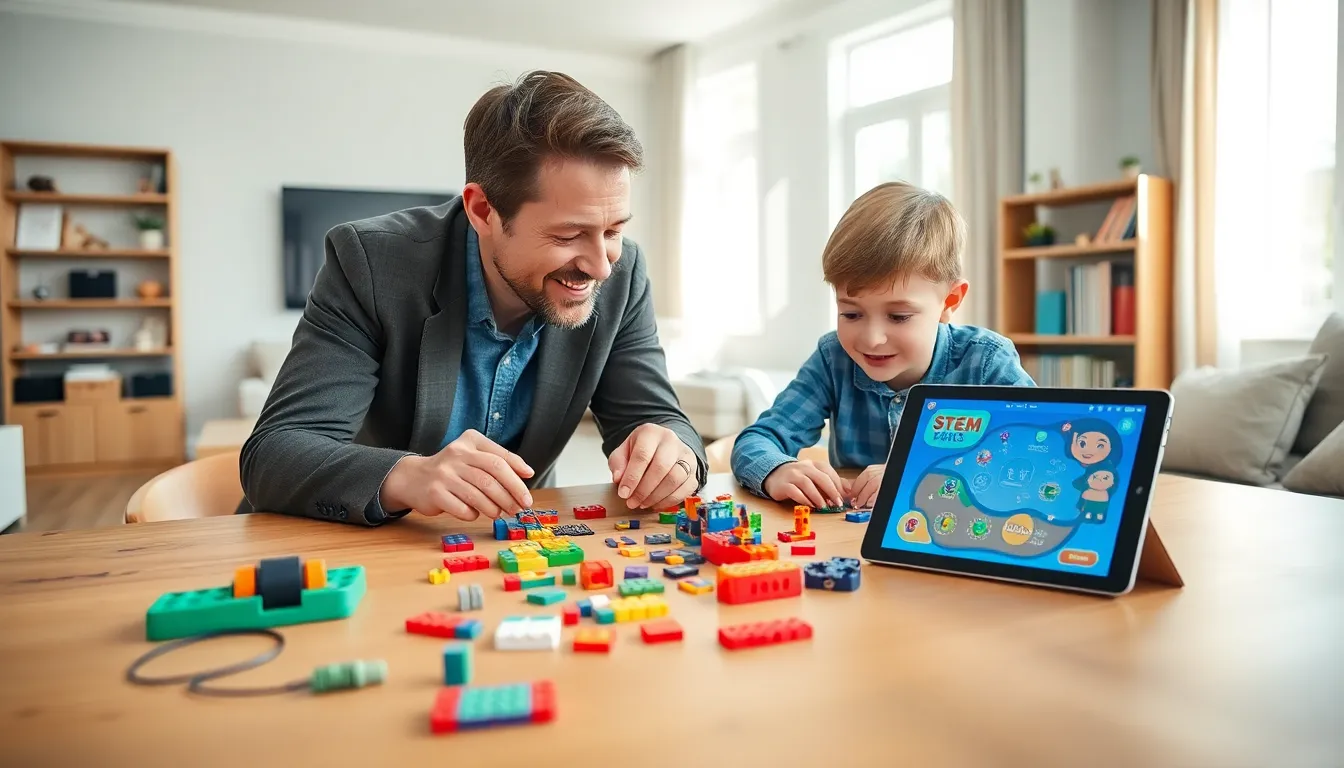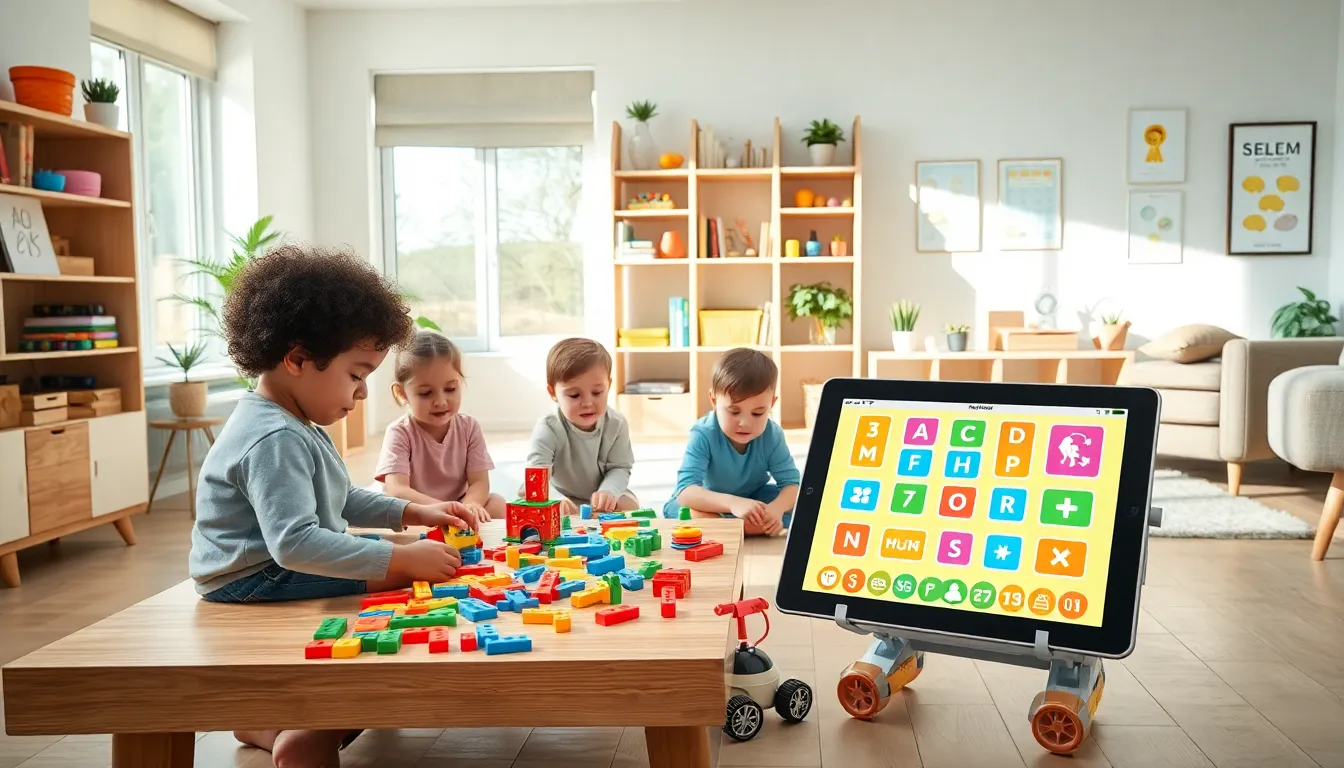

Finding the best educational apps and toys can feel like searching for a needle in a digital haystack. Parents want products that teach real skills, hold attention, and don’t make kids zone out. The good news? 2025 offers more quality options than ever before. This guide breaks down the top picks across age groups, explains what makes a toy or app genuinely educational, and helps parents strike that tricky balance between screen time and hands-on play. Whether a child is learning letters or building robots, the right tools can turn curiosity into lasting knowledge.
Table of Contents
ToggleKey Takeaways
- The best educational apps and toys match a child’s developmental stage and encourage active engagement rather than passive watching.
- Top apps like Khan Academy Kids, Prodigy Math, and Duolingo adapt to each child’s pace and make learning feel like play.
- STEM toys such as LEGO Education, Snap Circuits, and Botley 2.0 make abstract concepts concrete through hands-on building and coding.
- Look for products that require children to think, create, or solve problems—and check educator reviews on sites like Common Sense Media.
- Balance screen time with physical play by setting clear boundaries, rotating activities, and prioritizing co-play with your child.
- Open-ended toys like Magna-Tiles and building blocks offer lasting value because they grow with children and invite repeated play.
Top Educational Apps for Different Age Groups
The best educational apps match a child’s developmental stage. What works for a toddler won’t challenge a third-grader, and vice versa.
Ages 2–4: Early Learners
Toddlers need simple interfaces with big buttons and clear audio cues. Khan Academy Kids remains a standout, offering free lessons on letters, numbers, and social-emotional skills. Endless Alphabet teaches vocabulary through playful word puzzles. Both apps use repetition without becoming boring.
Ages 5–7: Building Foundations
Kids in this range are ready for reading practice and basic math. Homer personalizes reading lessons based on skill level. Prodigy Math turns arithmetic into an adventure game where progress depends on solving problems correctly. These apps track performance, so parents can see real improvement over time.
Ages 8–12: Deeper Learning
Older kids benefit from apps that encourage critical thinking. Duolingo makes language learning addictive with streaks and rewards. Scratch Jr and Tynker introduce coding concepts through visual programming blocks. For science lovers, Tinybop’s collection covers topics from the human body to weather systems with interactive diagrams.
The best educational apps share common traits: they adapt to each child’s pace, provide immediate feedback, and make learning feel like play rather than assignments.
Best Educational Toys That Promote Learning Through Play
Physical toys offer benefits that screens simply can’t replicate. Kids develop fine motor skills, spatial reasoning, and social abilities through hands-on play.
STEM Toys
LEGO Education sets combine building with engineering principles. The Osmo Genius Starter Kit bridges digital and physical play, kids manipulate real tiles while an iPad tracks their work. Snap Circuits teaches electronics basics by letting children build working circuits safely.
Coding and Robotics
Botley 2.0 introduces programming to kids as young as five without requiring a screen. Older children enjoy LEGO Mindstorms or Sphero BOLT, which they can program to complete challenges. These toys make abstract concepts concrete.
Creative and Open-Ended Toys
Not every educational toy needs batteries. Magna-Tiles build spatial awareness and creativity simultaneously. Play-Doh and kinetic sand strengthen hand muscles for writing. Classic wooden blocks still teach physics through trial and error.
Puzzles and Games
ThinkFun’s Rush Hour develops logic skills. Exploding Kittens and Ticket to Ride teach strategy and patience during family game nights. These options prove that learning doesn’t require a plug.
The best educational toys invite repeated play. A child who returns to a toy again and again is building skills naturally.
How to Choose the Right Educational Apps and Toys
Not all products marketed as “educational” deliver real value. Parents should look for specific qualities before buying.
Check for active engagement. The best educational apps and toys require children to think, create, or solve problems, not just tap and watch. Passive content offers minimal learning benefit.
Read reviews from educators. Common Sense Media rates apps and games on educational value. Teachers often share recommendations in parenting forums. Their insights reveal whether a product teaches effectively.
Match the child’s interests. A dinosaur-obsessed kid will engage more deeply with paleontology apps than generic math drills. Interest drives motivation, and motivation drives learning.
Consider longevity. Some toys hold attention for years. Others bore kids within a week. Open-ended products like building sets grow with children, while single-purpose gadgets often gather dust.
Watch for ads and in-app purchases. Many free apps interrupt learning with commercials or pressure kids to buy extras. Paid apps or subscription services often provide a cleaner, more focused experience.
Smart purchasing decisions save money and frustration while ensuring kids actually benefit from their playtime.
Balancing Screen Time With Hands-On Learning
Digital apps and physical toys each offer distinct advantages. The goal isn’t choosing one over the other, it’s finding the right mix.
Set clear boundaries. The American Academy of Pediatrics recommends limiting screen time for young children. Many families find success with rules like “apps after outdoor play” or “screens only on weekends.” Consistency matters more than specific time limits.
Prioritize co-play. When parents use educational apps alongside children, learning increases significantly. Asking questions, celebrating wins, and discussing content turns passive consumption into active learning.
Rotate activities. Kids benefit from variety. A morning spent with a coding app pairs well with an afternoon building with blocks. This approach prevents burnout and develops different skill sets.
Watch for warning signs. If a child becomes irritable when screens turn off or loses interest in other activities, it’s time to reassess. The best educational apps enhance life, they don’t dominate it.
Physical toys build skills that screens can’t fully replicate. Running, climbing, and manipulating objects develop coordination and strength. A balanced approach gives children the best of both worlds.