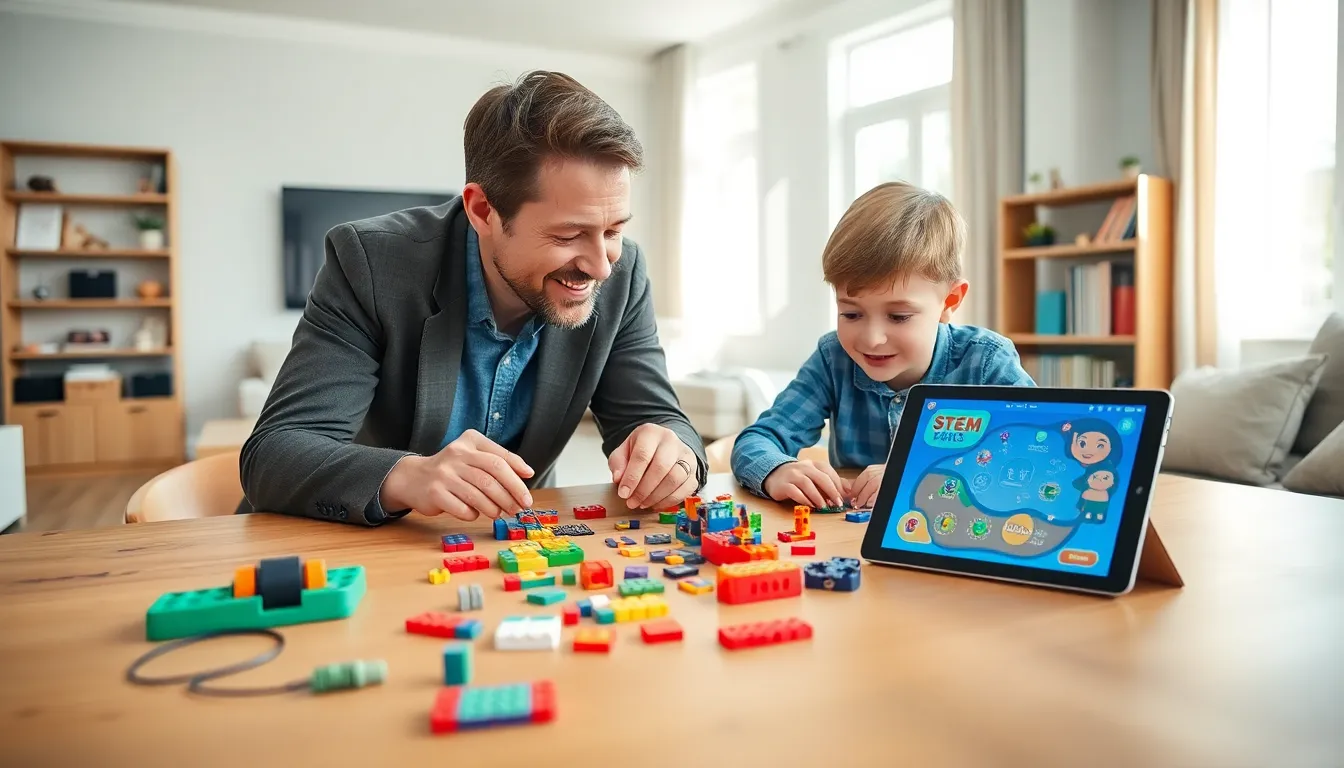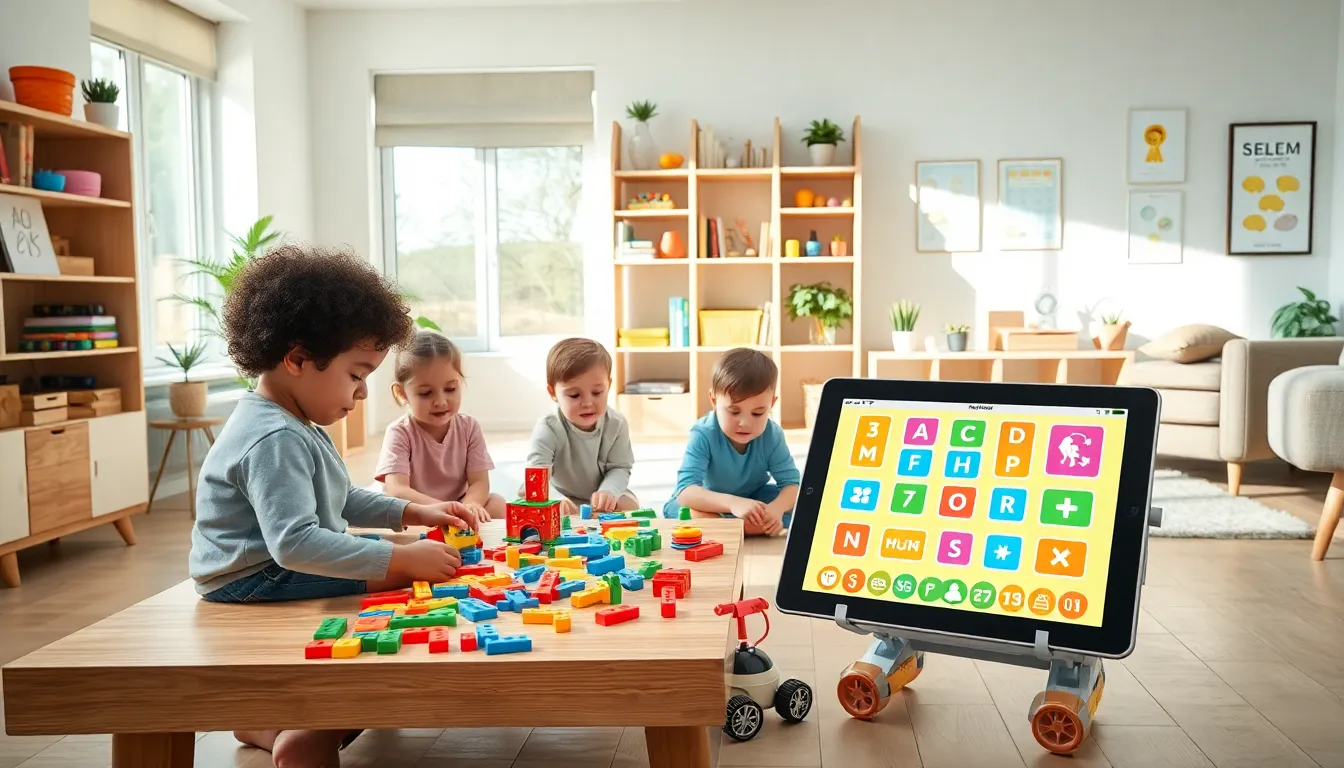

Finding the right educational apps and toys can feel overwhelming. Store shelves overflow with products claiming to boost your child’s development, and app stores feature thousands of “learning” games. But not every product delivers on its promises.
Parents want tools that actually teach, not just flashy distractions. The good news? Selecting quality educational apps and toys doesn’t require a degree in child development. It requires knowing what to look for.
This guide breaks down practical strategies for choosing learning tools that match your child’s age, interests, and developmental needs. From screen-based apps to hands-on toys, these tips help parents make confident decisions.
Table of Contents
ToggleKey Takeaways
- Choose educational apps and toys that match your child’s age and developmental stage for the best learning outcomes.
- Quality educational apps feature active engagement, clear learning objectives, adaptive difficulty, and minimal distractions.
- The best educational toys offer open-ended play potential, durability, and room to grow with your child.
- Balance screen time with hands-on play—use educational apps as a supplement, not a replacement for physical learning experiences.
- Research developers, read parent reviews, and check safety certifications before purchasing any educational products.
- Test educational apps with free trials and let children interact with toys in-store before committing to a purchase.
Understanding Age-Appropriate Learning Tools
Children learn differently at each stage of development. A puzzle that challenges a five-year-old might frustrate a toddler or bore a second-grader. Age-appropriate educational apps and toys meet children where they are.
For infants and toddlers (0-2 years), sensory toys work best. Think rattles, textured blocks, and simple cause-and-effect toys. These build motor skills and early cognitive connections. Educational apps for this age group should feature simple taps, bright colors, and minimal complexity.
Preschoolers (3-5 years) benefit from toys that encourage imaginative play and basic problem-solving. Building blocks, matching games, and beginner puzzles support this stage. Educational apps should introduce letters, numbers, and shapes through interactive play rather than passive watching.
School-age children (6-12 years) can handle more complex challenges. Strategy games, science kits, and coding toys engage their growing analytical skills. Apps at this level might teach math concepts, reading comprehension, or creative writing.
Always check manufacturer age recommendations. These guidelines exist for developmental and safety reasons. But, parents know their children best, some kids may be ready for slightly advanced material while others need more time with foundational skills.
Key Features Of Effective Educational Apps
Not all educational apps deliver real learning value. Some slap a “learning” label on basic entertainment. Parents should look for specific features that separate quality educational apps from digital time-wasters.
Active engagement over passive consumption. The best educational apps require children to solve problems, make choices, and think critically. Apps where kids simply watch videos or tap randomly offer limited educational benefit.
Clear learning objectives. Quality educational apps target specific skills, letter recognition, counting, spatial reasoning, or vocabulary building. Parents should be able to identify what their child will learn from each app.
Adaptive difficulty. Good educational apps adjust to a child’s performance. They get harder as skills improve and provide extra support when a child struggles. This keeps learning challenging but achievable.
Minimal distractions. Watch out for apps loaded with ads, in-app purchases, or unrelated mini-games. These interrupt learning and can frustrate both children and parents.
Progress tracking. Many effective educational apps let parents monitor their child’s advancement. This feature helps adults understand what skills are developing and where extra practice might help.
Free trials help parents test educational apps before committing. Let your child explore the app while you observe. Does it hold their attention? Are they actually learning, or just swiping aimlessly?
What To Look For In Educational Toys
Physical educational toys offer benefits that screens can’t replicate. They build fine motor skills, encourage social interaction, and provide tactile learning experiences.
Open-ended play potential. The best educational toys can be used in multiple ways. Wooden blocks, for example, teach spatial awareness, physics concepts, and creativity all at once. Toys with only one “right” way to play limit a child’s imagination.
Durability matters. Quality educational toys withstand rough handling, repeated use, and the occasional toss across the room. Cheap plastic breaks quickly and creates frustration.
Skill-building focus. Look for toys that develop specific abilities. Construction sets build spatial reasoning. Art supplies foster creativity. Board games teach strategy and social skills. Identify what skills you want to support, then find educational toys that target those areas.
Minimal batteries required. Some electronic educational toys offer genuine value. But often, the simplest toys, building blocks, puzzles, art materials, provide the richest learning experiences. They force children to use their imagination rather than following pre-programmed responses.
Room to grow. The best educational toys remain interesting as children develop. A quality building set, for instance, can challenge a preschooler with basic stacking and a ten-year-old with complex engineering projects.
Balancing Screen Time With Hands-On Play
Educational apps and educational toys each offer unique benefits. Smart parents use both strategically.
Screen-based learning works well for certain skills. Language apps can pronounce words correctly. Math apps provide instant feedback on problems. Reading apps offer access to thousands of books. These tools have legitimate educational value when used appropriately.
But, hands-on play builds skills that screens cannot. Physical manipulation of objects develops fine motor control. Building with blocks teaches physics through direct experience. Art projects foster creativity in ways that digital drawing can’t fully replicate.
The American Academy of Pediatrics recommends limiting screen time for children. For kids ages 2-5, one hour of high-quality programming per day is the guideline. For children 6 and older, parents should set consistent limits.
A practical approach treats educational apps as one tool among many. They shouldn’t replace outdoor play, reading physical books, or creative projects with art supplies. Think of screen time as a supplement to hands-on learning, not a replacement.
Scheduling helps. Perhaps educational apps work best during car rides or waiting rooms, while after-school time focuses on physical play and creative projects. Each family finds its own balance based on their schedule and their child’s needs.
Tips For Evaluating Quality And Safety
Before purchasing educational apps or toys, parents should consider both quality and safety factors.
Research the developer or manufacturer. Companies with education backgrounds often create better learning products. Look for apps developed by teachers, child development experts, or established educational publishers. For toys, brands with long track records typically offer more reliable quality.
Read reviews carefully. Other parents provide valuable insights. Look for reviews that mention actual learning outcomes, not just entertainment value. Did children develop new skills? Did the product hold their attention over time?
Check safety certifications. For physical educational toys, look for safety testing marks appropriate to your country. Avoid products with small parts for young children. Check for sharp edges, toxic materials, or choking hazards.
Test before committing. For educational apps, download free versions or trials when available. For toys, visit stores where children can interact with products before purchase. Observation reveals more than packaging claims.
Consider longevity. Will this educational app or toy remain useful for months or years? Products that grow with children offer better value than those quickly outgrown.
Watch for hidden costs. Some educational apps require ongoing subscriptions or frequent in-app purchases. Physical toys sometimes need expensive refills or accessories. Factor these costs into purchasing decisions.