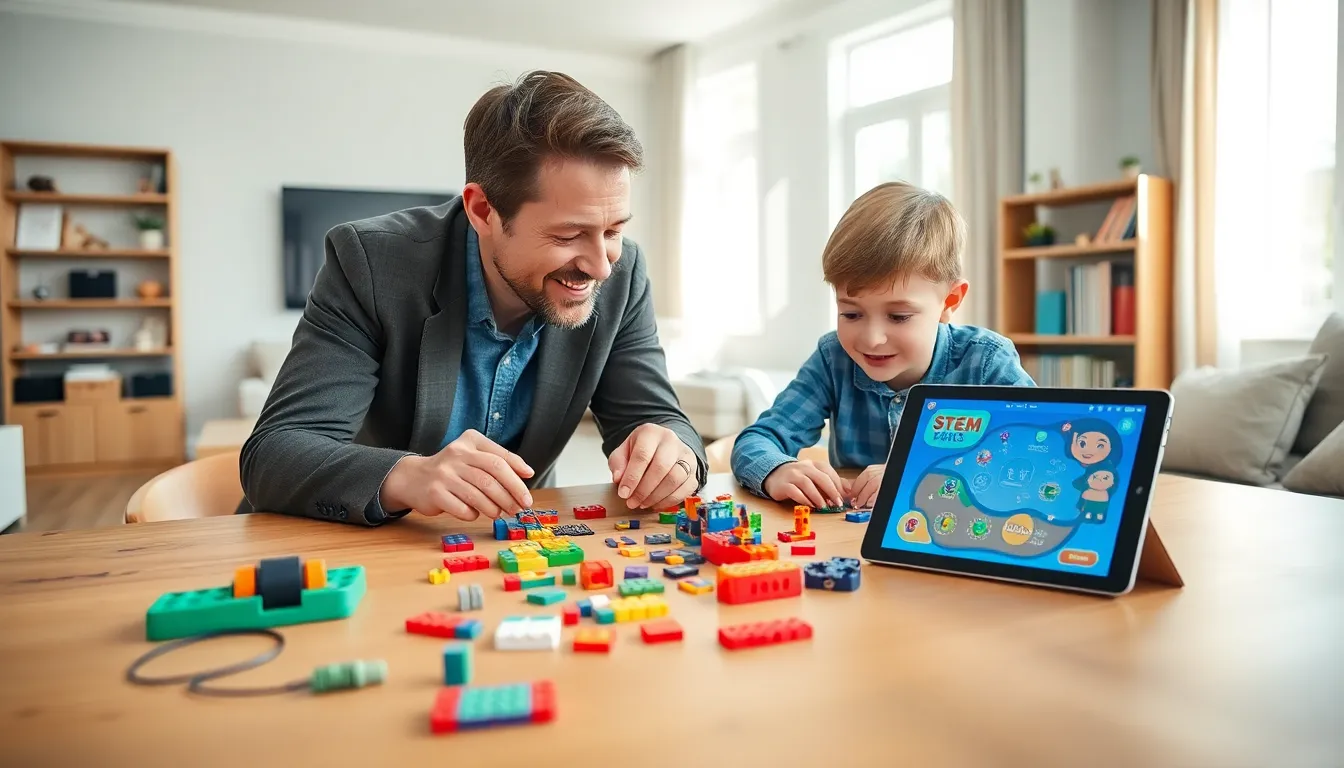
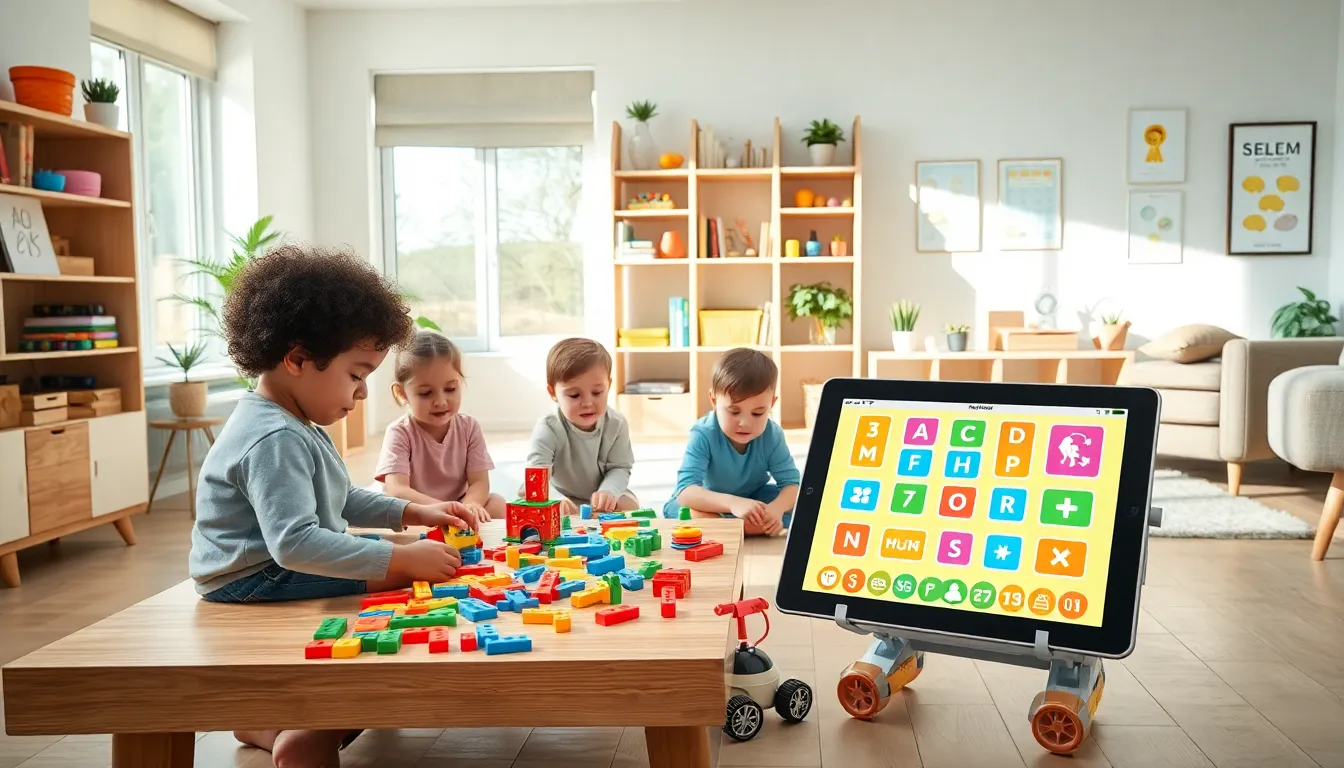
Educational apps and toys examples show how children can learn while having fun. Parents and teachers now have more options than ever to combine play with skill-building. From coding games to hands-on building sets, these tools turn screen time and playtime into valuable learning moments.
This guide covers the best educational apps for kids, top learning toys by age group, and STEM-focused products worth considering. It also provides practical advice on choosing the right educational tools for any child’s needs and interests.
Table of Contents
ToggleKey Takeaways
- Educational apps and toys examples range from free digital platforms like Khan Academy Kids to hands-on STEM kits that turn playtime into learning.
- Top educational apps for kids include ABCmouse, Duolingo ABC, Prodigy Math, and Scratch Jr—each targeting specific skills from reading to coding.
- Learning toys should match age groups: sensory toys for toddlers, magnetic building sets for preschoolers, and science kits or LEGO for school-age children.
- STEM-focused products like coding robots, building sets, and math manipulatives help children develop critical thinking and problem-solving skills early.
- When choosing educational tools, balance screen time with physical toys and consider age appropriateness, learning goals, and long-term engagement.
- Budget-friendly options exist at every price point, including free apps and library programs that loan educational toys.
Best Educational Apps for Kids
Educational apps and toys examples start with digital options that engage children through interactive lessons. These apps teach subjects like math, reading, and science through games and challenges.
Khan Academy Kids
Khan Academy Kids offers free lessons for children ages 2 to 8. The app covers reading, writing, math, and social-emotional development. Kids follow colorful characters through activities that adapt to their skill level. Teachers and parents can track progress through the dashboard.
ABCmouse
ABCmouse provides a full curriculum for children ages 2 to 8. It includes over 10,000 activities across reading, math, science, and art. The app uses a reward system with tickets and prizes to keep kids motivated. A subscription gives access to all content.
Duolingo ABC
Duolingo ABC teaches reading skills through short, game-like lessons. The app targets children ages 3 to 6 who are learning to read. It uses the same engaging format that made Duolingo popular for language learning. The app is completely free with no ads.
Prodigy Math
Prodigy Math turns math practice into an adventure game. Children solve math problems to progress through quests and battles. The app aligns with school curricula and adjusts difficulty based on performance. Over 50 million students use Prodigy worldwide.
Scratch Jr
Scratch Jr introduces coding concepts to children ages 5 to 7. Kids snap together programming blocks to make characters move, jump, and speak. The app builds logical thinking and creativity without requiring reading skills. MIT developed Scratch Jr as a foundation for computer science.
Top Learning Toys by Age Group
Physical toys remain essential educational apps and toys examples for hands-on learning. Different age groups benefit from specific types of toys.
Toddlers (Ages 1-3)
Toddlers learn best through sensory play and simple cause-and-effect toys. Shape sorters teach problem-solving and hand-eye coordination. Stacking cups build fine motor skills and introduce size concepts. Musical instruments like xylophones develop rhythm and auditory processing. LeapFrog produces excellent electronic toys that combine music with letter and number recognition.
Preschoolers (Ages 3-5)
Preschoolers are ready for more complex play patterns. Magna-Tiles and similar magnetic building sets encourage spatial reasoning and creativity. Play-Doh and kinetic sand develop fine motor control while allowing imaginative play. Board games like Candy Land and Hi Ho Cherry-O teach turn-taking and counting. Puzzles with 24 to 48 pieces build patience and visual processing skills.
School-Age Children (Ages 6-10)
Older children benefit from toys that challenge their growing abilities. LEGO sets improve spatial awareness, following instructions, and persistence. Science kits let kids conduct real experiments at home. Strategy games like chess and Blokus develop critical thinking. Snap Circuits and similar electronics kits introduce basic engineering concepts through safe, hands-on projects.
STEM-Focused Educational Products
STEM toys rank among the most popular educational apps and toys examples today. These products focus on science, technology, engineering, and math skills.
Coding Toys
Coding toys teach programming logic without screens. Botley the Coding Robot responds to button sequences that children program. Code-a-Pillar lets preschoolers arrange segments to control movement direction. Osmo Coding uses physical blocks that interact with tablet apps. These toys build computational thinking skills from an early age.
Building and Engineering Sets
Construction toys let children experiment with physics and design. K’NEX and Tinkertoys create structures that demonstrate balance and stability. Marble runs show gravity and momentum in action. GoldieBlox combines building with storybooks that feature female engineer characters.
Science Experiment Kits
Hands-on science kits bring textbook concepts to life. Thames & Kosmos produces chemistry sets, crystal growing kits, and robotics projects. National Geographic offers geology and archaeology dig kits. Snap Circuits teaches electronics through safe, modular components. These kits often include educational guides that explain the science behind each activity.
Math Manipulatives
Physical math tools help children understand abstract concepts. Fraction tiles and circles show how parts make a whole. Base-ten blocks demonstrate place value and regrouping. Cuisenaire rods teach addition, subtraction, and multiplication through color-coded pieces. Many teachers use these tools in classrooms, but they work equally well at home.
How to Choose the Right Educational Tools
Selecting from educational apps and toys examples requires matching products to specific needs. Consider these factors before purchasing.
Age Appropriateness
Check recommended age ranges on packaging and app descriptions. Products designed for the wrong age can frustrate children or fail to challenge them. Look for adjustable difficulty settings that grow with the child.
Learning Goals
Identify what skills need development. A child struggling with reading benefits from phonics apps. A child who loves building might thrive with engineering sets. Some products focus on single subjects while others cover broader skill sets.
Screen Time Balance
Mix digital and physical learning tools. Apps offer convenience and instant feedback, but hands-on toys develop motor skills and creativity differently. The American Academy of Pediatrics recommends limiting screen time and choosing high-quality educational content when screens are used.
Engagement Factor
The best educational tool is one children will actually use. Read reviews from other parents about long-term engagement. Look for products that offer variety and progression to maintain interest. Consider the child’s existing interests when choosing themes and formats.
Budget Considerations
Educational products range from free apps to expensive robotics kits. Many excellent options exist at every price point. Public libraries often loan educational toys and provide free access to premium apps. Subscription services can provide variety at lower cost than buying individual products.