Finding the right educational apps and toys can feel overwhelming. Parents face thousands of options, each promising to boost their child’s development. This educational apps and toys guide cuts through the noise. It provides clear criteria for selecting learning tools that actually work. The best educational products match a child’s age, interests, and learning style. They also balance fun with genuine skill-building. Whether parents seek STEM toys, literacy apps, or creative play options, this guide offers practical advice. It helps families make informed choices without wasting money on products that collect dust.
Table of Contents
ToggleKey Takeaways
- Choose educational apps and toys based on your child’s age, interests, and learning style rather than marketing claims.
- For children under 2, prioritize sensory toys over screen time; educational apps become more appropriate for preschoolers and older kids.
- Match educational toys to your child’s learning style—visual, auditory, kinesthetic, or reading/writing—for better engagement and retention.
- Look for educational apps with evidence-based design, minimal ads, progress tracking, and adaptive difficulty levels.
- Balance screen time with hands-on learning by pairing educational apps with related physical toys and activities.
- Set consistent screen-free times and treat digital tools as one part of a larger educational toolkit for well-rounded development.
How to Choose Age-Appropriate Educational Apps and Toys
Age-appropriateness matters more than marketing claims. A toy labeled “educational” means nothing if it frustrates or bores a child. Parents should start by checking age recommendations on packaging and app store descriptions. These guidelines exist for safety and developmental reasons.
For infants and toddlers (0-2 years), educational toys should focus on sensory exploration. Soft blocks, stacking rings, and simple cause-and-effect toys work well. Apps for this age group should be minimal, the American Academy of Pediatrics recommends avoiding screen time for children under 18 months, except for video calls.
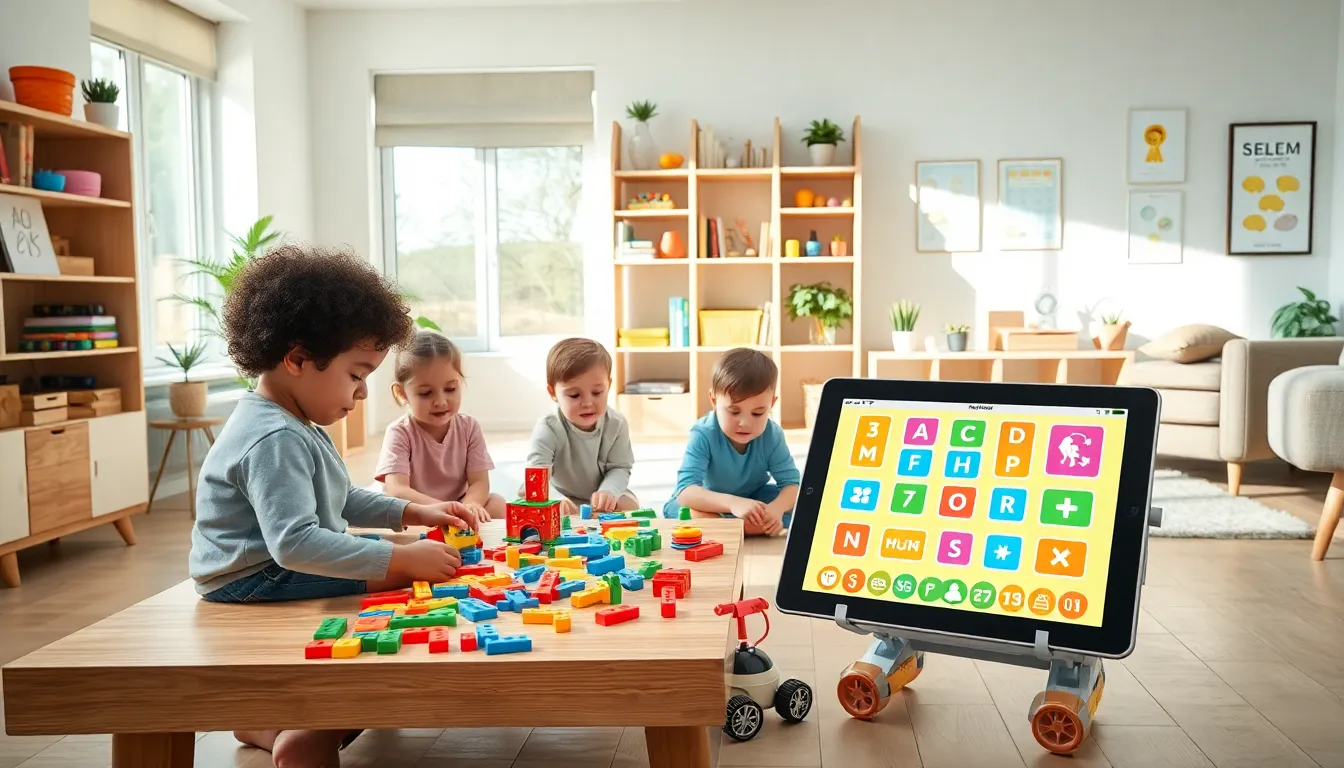
Preschoolers (3-5 years) benefit from educational apps and toys that build pre-literacy and early math skills. Look for letter recognition games, counting toys, and puzzles with 12-24 pieces. Apps should have simple interfaces with minimal text instructions.
Elementary-age children (6-10 years) can handle more complex educational apps and toys. Coding games, science kits, and strategy-based apps challenge their growing minds. Reading apps with chapter books and math apps covering multiplication become appropriate.
Older kids (11+) need educational tools that respect their intelligence. Robotics kits, advanced coding platforms, and apps teaching real-world skills keep them engaged. The key is matching difficulty level to ability, not just age.
Top Categories of Educational Toys for Different Learning Styles
Children learn differently. Some absorb information through movement, others through visuals or sounds. Smart parents match educational toys to their child’s natural learning style.
Visual Learners
Visual learners thrive with educational toys featuring colors, patterns, and spatial relationships. Building blocks, tangram puzzles, and art supplies help them process information. Apps with animated demonstrations and visual progress trackers work especially well.
Auditory Learners
These children learn through listening and verbal instruction. Musical instruments, phonics-based toys, and audiobook apps suit them best. Educational apps with voice narration and songs help auditory learners retain information longer.
Kinesthetic Learners
Kinesthetic learners need to touch, move, and build. Hands-on science kits, moldable materials like clay, and construction toys keep them focused. Many educational apps now incorporate device motion, shaking, tilting, or touching the screen actively.
Reading/Writing Learners
Some children prefer words and text. Journaling kits, word games, and story-creation apps appeal to them. Educational toys with written instructions or apps featuring reading challenges match this style.
Most children blend multiple learning styles. Parents should observe how their child naturally plays and chooses to spend free time. This observation reveals which educational apps and toys will click.
Features to Look for in Quality Educational Apps
Not all educational apps deliver real learning value. Parents should evaluate apps carefully before downloading them for their children.
Evidence-Based Design
The best educational apps base their content on proven teaching methods. Look for apps developed with input from educators or child development experts. Many quality apps cite research studies or educational frameworks in their descriptions.
Appropriate Advertising and In-App Purchases
Free apps often bombard children with ads or pressure them to make purchases. This disrupts learning and creates frustration. Parents should choose educational apps with no ads, or at least ads that don’t interrupt gameplay. Many worthwhile apps charge a one-time fee instead.
Progress Tracking
Good educational apps show measurable growth. Parent dashboards, skill reports, and achievement systems help families see what children actually learn. This feature also helps parents adjust difficulty levels.
Offline Functionality
Educational apps that work without internet access prove more practical. Kids can use them during car rides, flights, or in areas with poor connectivity.
Adaptive Difficulty
Quality educational apps adjust to each child’s skill level. They get harder as children improve and offer extra help when kids struggle. This personalization keeps learning in the sweet spot, challenging but not discouraging.
Balancing Screen Time With Hands-On Learning
Educational apps offer convenience and engagement. But children also need physical play and real-world experiences. Finding balance keeps learning healthy and varied.
Experts generally recommend no more than one hour of quality screen time daily for children ages 2-5. Kids ages 6 and older need consistent limits that don’t interfere with sleep, physical activity, and face-to-face interaction.
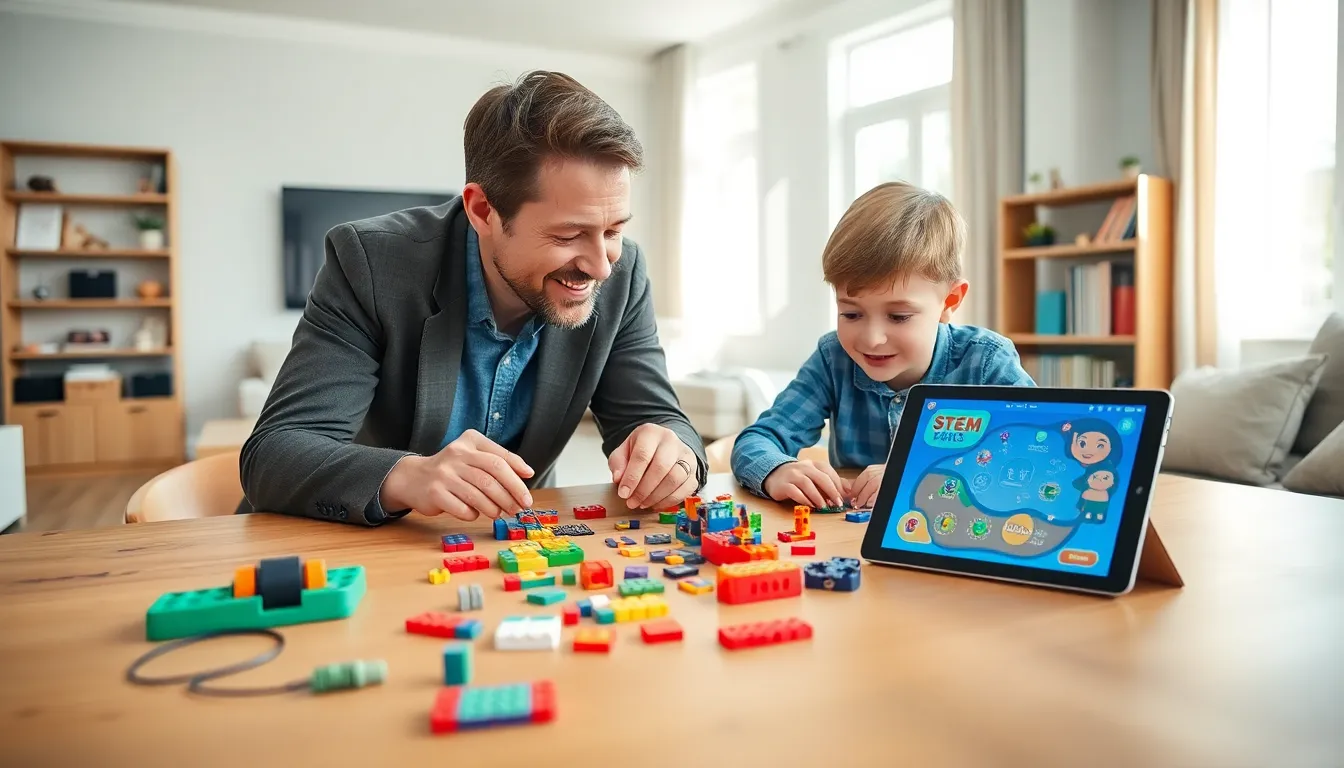
Parents can create balance by pairing educational apps with related hands-on activities. A child using a coding app might also enjoy building with physical robotics kits. Someone practicing math on a tablet could play board games involving counting and strategy.
Scheduling matters too. Many families designate screen-free times, during meals, before bed, or during outdoor play hours. This structure helps children understand that educational apps are one tool among many.
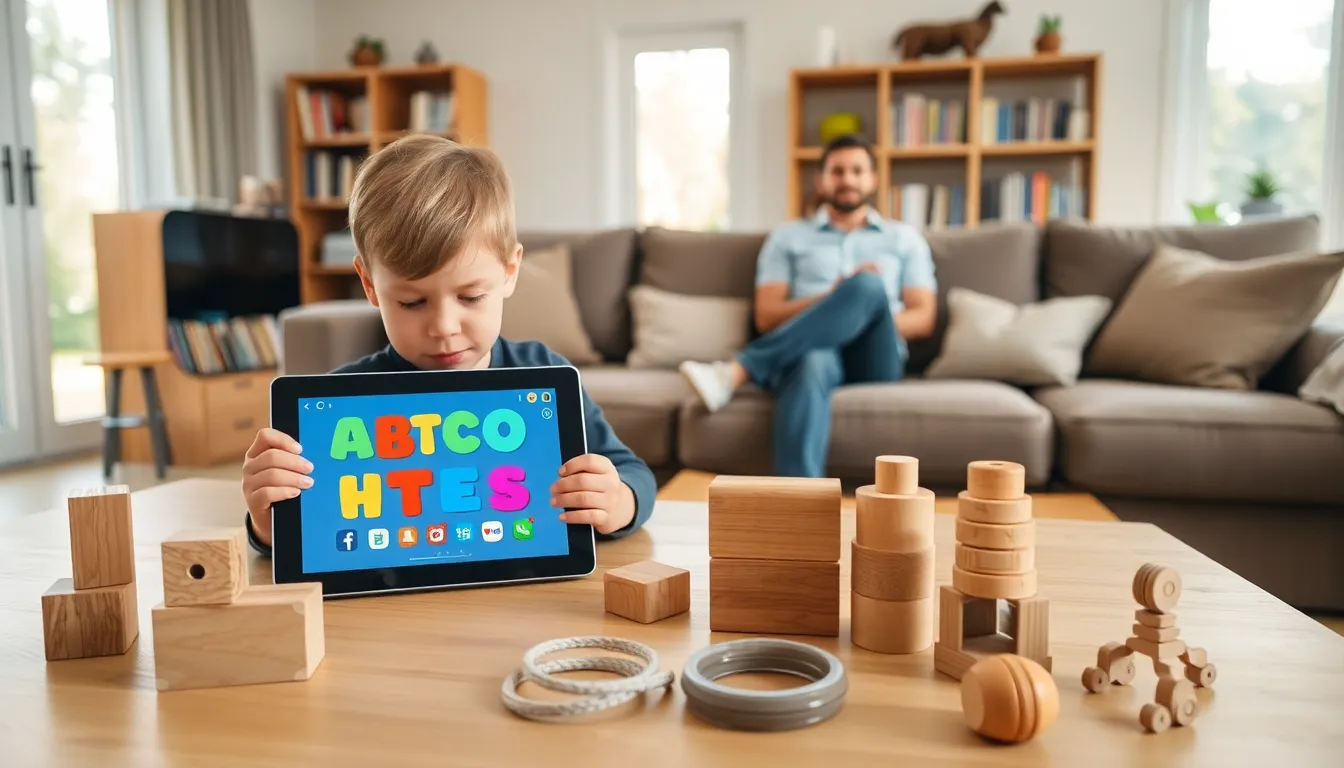
Hands-on educational toys offer benefits screens cannot replicate. They develop fine motor skills, encourage social play with siblings or friends, and don’t strain young eyes. Physical toys also spark imagination in different ways than apps do.
The goal isn’t eliminating educational apps, they’re valuable learning tools. Instead, parents should view them as part of a larger educational toolkit. Mixing digital and physical learning creates well-rounded development.