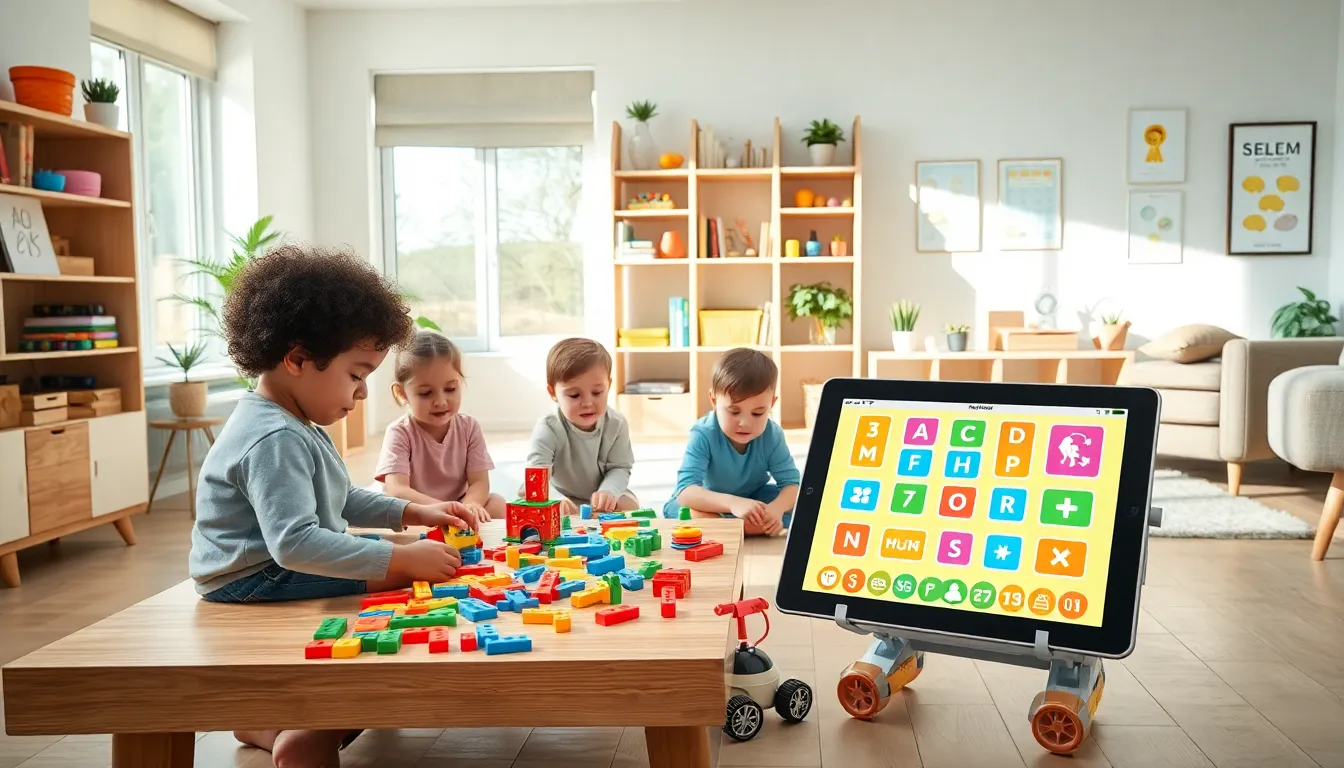

Educational apps and toys ideas have become essential tools for parents, teachers, and caregivers who want to make learning fun. The right educational products can spark curiosity, build critical skills, and keep children engaged for hours. Whether a child is just starting to recognize letters or a teenager is preparing for advanced coursework, there’s something out there that fits their needs.
This guide explores the best educational apps and toys ideas available today. It covers digital options, hands-on toys, STEM-focused products, and practical tips for choosing the right tools. Parents and educators will find actionable recommendations to support learning at every stage.
Table of Contents
ToggleKey Takeaways
- Educational apps and toys ideas range from digital platforms like Khan Academy Kids to hands-on STEM kits, offering options for every age and learning style.
- Building toys like LEGO and Magna-Tiles develop spatial reasoning and problem-solving skills that screens can’t replicate.
- STEM-focused products such as coding robots and science kits prepare children for future careers while making learning interactive.
- Match educational tools to your child’s age, skill level, and learning goals to keep them engaged without frustration.
- Balance screen time with physical play by rotating between digital apps and hands-on toys for well-rounded development.
- Involve children in choosing their educational apps and toys to boost enthusiasm and engagement during learning sessions.
Top Educational Apps for Kids and Teens
Educational apps offer an accessible way to learn new skills. They turn screen time into productive time. Here are some standout options across different age groups.
Apps for Young Learners (Ages 3–7)
Khan Academy Kids provides free lessons in reading, math, and social-emotional development. The app uses colorful animations and interactive activities to hold attention. It’s a solid choice for preschoolers and early elementary students.
Duolingo ABC teaches reading and writing through short, game-like lessons. Kids practice letter recognition, phonics, and basic vocabulary. The app tracks progress, so parents can see what their child has mastered.
Endless Alphabet introduces vocabulary with playful monsters and interactive puzzles. Children drag letters into place and watch short animations that explain word meanings.
Apps for Older Kids and Teens (Ages 8–18)
Prodigy Math turns math practice into an adventure game. Students solve problems to earn rewards and progress through quests. Teachers can assign specific topics, making it useful for classroom and home use.
Scratch from MIT lets kids and teens create their own games, stories, and animations. It teaches coding logic through a visual, block-based interface. Users can share projects and collaborate with others worldwide.
Quizlet helps students study with flashcards, practice tests, and games. It covers virtually every subject. Teens often use it to prepare for exams or memorize vocabulary.
These educational apps and toys ideas in digital form make learning portable and engaging. The best apps adapt to a child’s level and keep them motivated.
Best Educational Toys for Hands-On Learning
Physical toys remain powerful learning tools. They develop fine motor skills, spatial reasoning, and creativity in ways screens can’t replicate.
Building and Construction Toys
LEGO sets encourage spatial thinking and problem-solving. Classic bricks let kids build freely, while themed sets introduce step-by-step instructions. LEGO Education kits add curriculum-aligned activities for classroom use.
Magna-Tiles use magnets to connect colorful shapes. Children build towers, houses, and abstract structures. The magnetic connection teaches geometry concepts and cause-and-effect relationships.
Puzzles and Logic Games
ThinkFun Rush Hour challenges players to slide cars and clear a path for a red vehicle to escape. It builds sequential thinking and planning skills. The game includes 40 challenges ranging from beginner to expert.
Ravensburger puzzles come in various piece counts for different ages. Completing puzzles improves concentration, pattern recognition, and patience. Many designs feature educational themes like maps, animals, or historical events.
Science and Exploration Kits
National Geographic science kits let kids grow crystals, dig for fossils, or conduct chemistry experiments. Each kit includes materials and instructions for multiple activities. They spark interest in natural sciences.
Snap Circuits teach electronics through hands-on projects. Children connect components to build working circuits, lights, and alarms. The kits range from beginner to advanced levels.
These educational apps and toys ideas in physical form give children tactile experiences that reinforce learning.
STEM-Focused Options for Future Innovators
STEM education, science, technology, engineering, and math, prepares children for future careers. Many educational apps and toys ideas focus specifically on these areas.
Coding and Robotics
LEGO Mindstorms combines building with programming. Kids construct robots and write code to control their movements. The platform supports both beginner and advanced programming languages.
Botley 2.0 introduces coding concepts to children as young as five. The screen-free robot follows commands entered through a remote programmer. Kids learn sequences, loops, and logic without needing a tablet or computer.
Code.org offers free online courses in computer science. The platform features hour-long tutorials and full-year curricula. Students progress from visual block coding to JavaScript and Python.
Engineering and Design
K’NEX Education sets let students build working models of machines, bridges, and vehicles. The kits align with engineering standards and include lesson plans for educators.
Strawbees use flexible connectors and straws to create structures. The simple materials encourage experimentation with design principles and structural integrity.
Math and Science Apps
DragonBox teaches algebra through puzzle games. Players solve equations without realizing they’re doing advanced math. The app series covers concepts from basic arithmetic to calculus.
Toca Lab: Elements introduces the periodic table through playful experiments. Kids discover elements by heating, cooling, and mixing virtual substances.
These STEM-focused educational apps and toys ideas build problem-solving skills that transfer to real-world situations.
How to Choose the Right Educational Tools for Your Child
Selecting the best educational apps and toys ideas depends on several factors. Here’s what to consider.
Match the Child’s Age and Skill Level
A toy or app that’s too easy bores children quickly. One that’s too hard frustrates them. Look for products with adjustable difficulty or multiple levels. Read age recommendations, but also consider your child’s individual abilities.
Identify Learning Goals
What skills do you want to develop? If a child struggles with reading, focus on literacy apps. If they need more physical activity, choose toys that encourage movement. STEM products work well for children interested in how things work.
Check for Quality and Safety
For apps, read reviews from parents and educators. Look for awards from organizations like Common Sense Media or Parents’ Choice. Avoid apps with excessive ads or in-app purchases that disrupt learning.
For toys, check safety certifications and material quality. Small parts pose choking hazards for young children. Well-made toys last longer and provide better value.
Balance Screen Time and Physical Play
Children benefit from both digital and hands-on learning. Set limits on app usage and encourage breaks for physical activity. Rotate between different types of educational apps and toys ideas to keep things fresh.
Involve Your Child in the Decision
Children learn better when they’re interested in the subject. Let them help choose new toys or apps. Their enthusiasm will translate into more engaged learning sessions.