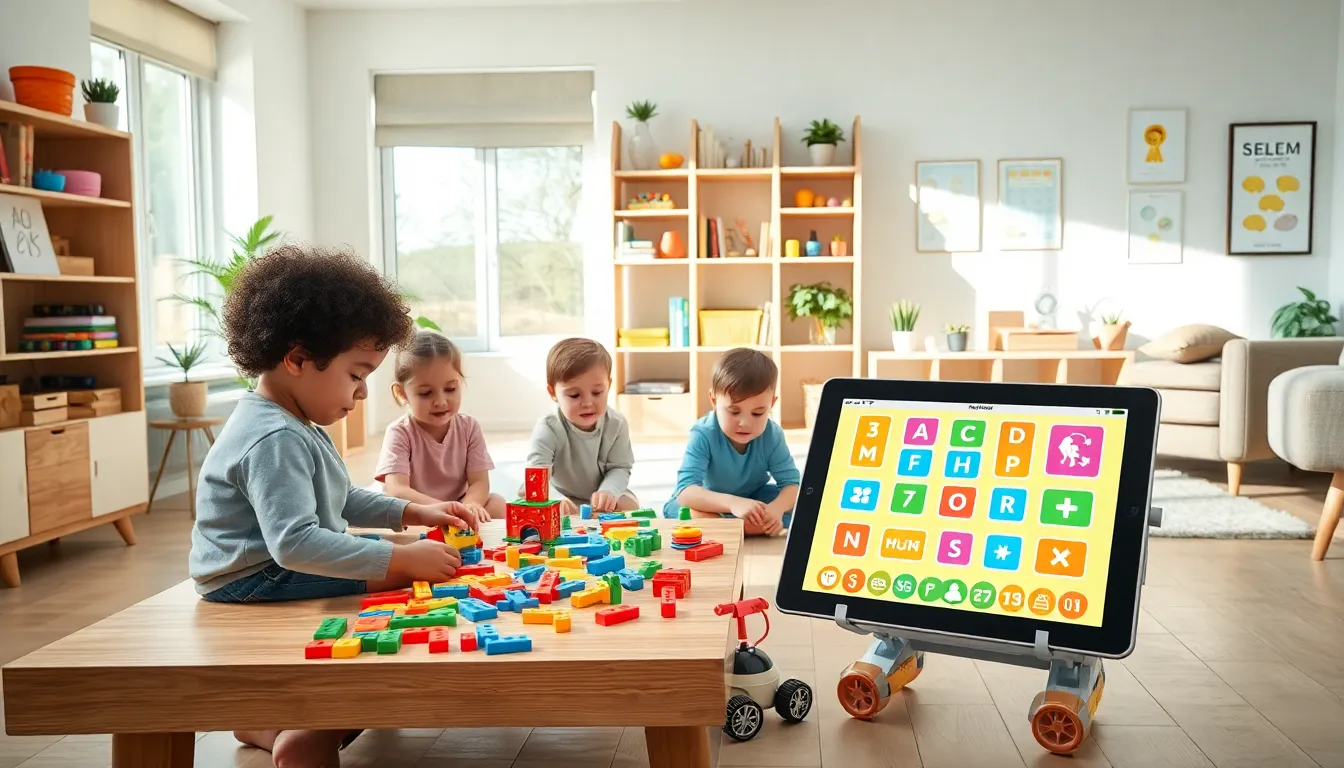
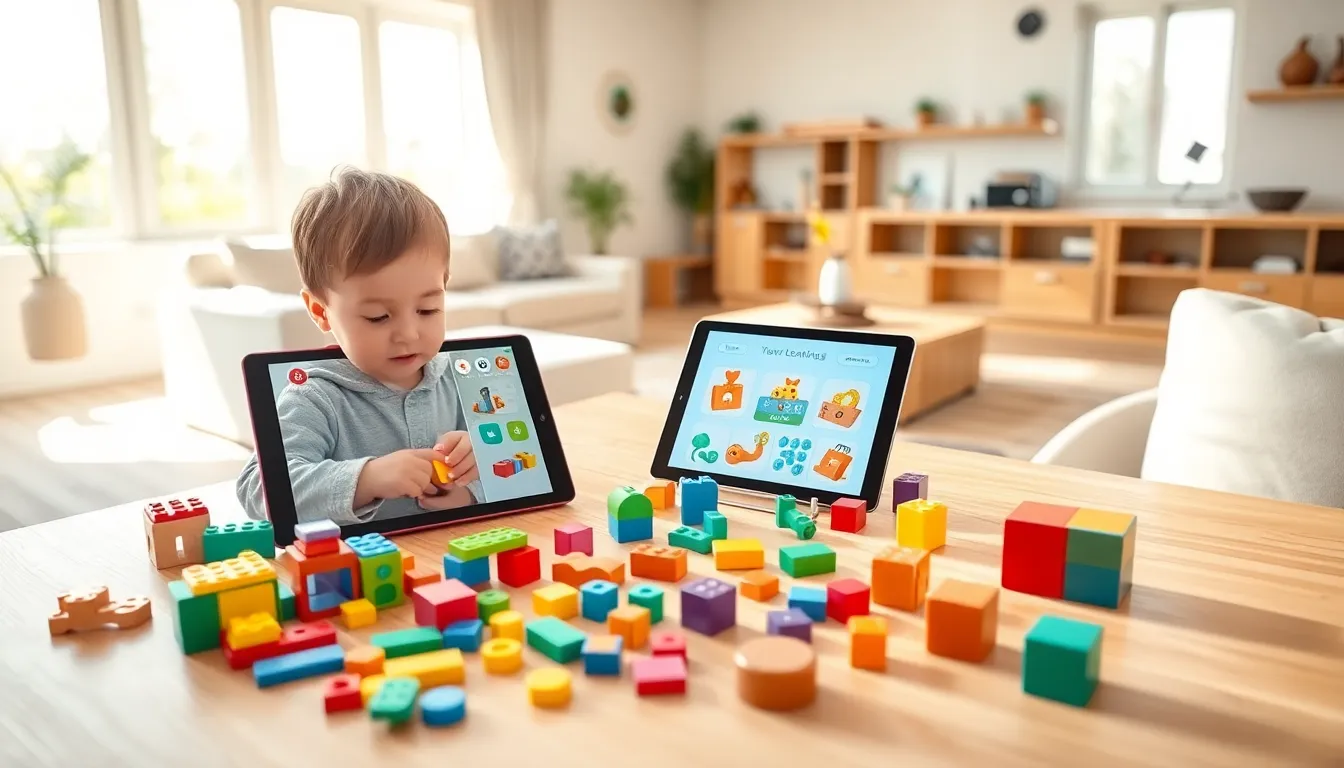
Top educational apps and toys transform screen time and playtime into valuable learning experiences. Parents today face an overwhelming number of choices. The market offers thousands of apps and countless toys, all claiming to boost children’s development. But which ones actually deliver results?
The best educational apps and toys share common traits. They engage children through play while building real skills. They match a child’s developmental stage. And they make learning feel like fun, not assignments.
This guide breaks down the top educational apps and toys available today. It covers what makes each option effective and how to choose the right tools for any child’s needs.
Table of Contents
ToggleKey Takeaways
- The best educational apps and toys engage children through play while building real skills that match their developmental stage.
- Top educational apps like Khan Academy Kids, ABCmouse, and Scratch Jr adapt to each child’s pace and provide instant feedback without relying on addictive mechanics.
- Physical toys such as LEGO sets, Magna-Tiles, and Snap Circuits develop fine motor skills, spatial reasoning, and STEM concepts that apps cannot replicate.
- Balance screen time with hands-on play by combining quality educational apps and toys for well-rounded child development.
- Always match learning tools to your child’s natural learning style and test free trials before committing to subscriptions or purchases.
- Quality educational toys grow with children and remain engaging over years, offering better long-term value than trendy options.
Best Educational Apps for Kids
Educational apps offer interactive learning experiences that traditional methods can’t match. The best options adapt to each child’s pace and provide instant feedback.
Khan Academy Kids stands out as a free, comprehensive option. It covers reading, math, and social-emotional development for ages 2-8. The app tracks progress and adjusts difficulty automatically.
ABCmouse provides a full curriculum for children ages 2-8. It includes over 10,000 learning activities across reading, math, science, and art. Monthly subscription fees apply, but the depth of content justifies the cost for many families.
Duolingo ABC teaches reading and writing skills through short, game-like lessons. It’s free and works well for preschoolers and early elementary students.
Scratch Jr introduces coding concepts to children ages 5-7. Kids create their own interactive stories and games by snapping together graphical programming blocks. This builds logical thinking and creativity simultaneously.
DragonBox makes math genuinely enjoyable. The series covers everything from basic numbers to algebra. Children solve puzzles without realizing they’re mastering mathematical concepts.
Epic. gives access to over 40,000 books, audiobooks, and videos. It functions like a digital library and encourages daily reading habits.
Top educational apps share key features. They limit ads and in-app purchases that disrupt learning. They provide progress reports for parents. And they keep children engaged without relying on addictive game mechanics.
Top Educational Toys for Hands-On Learning
Physical toys offer benefits that apps cannot replicate. They develop fine motor skills, spatial reasoning, and tactile learning abilities.
LEGO Education Sets combine building with STEM concepts. Sets range from simple brick constructions to programmable robotics. Children learn engineering principles while creating something tangible.
Magna-Tiles help young children understand geometry and spatial relationships. These magnetic building tiles allow kids to construct 2D and 3D shapes. They’re durable and appeal to children ages 3 and up.
Osmo bridges the gap between physical and digital play. Children manipulate real objects while an iPad camera captures their actions. The system teaches math, spelling, coding, and drawing.
Snap Circuits introduce electronics concepts safely. Kids build working circuits that power lights, sounds, and motors. The toy explains cause and effect while teaching basic engineering.
GeoSafari Jr. Talking Microscope brings science to life for preschoolers. It features real specimen slides and audio facts narrated by Bindi Irwin. This sparks early interest in biology and nature.
Learning Resources Math Link Cubes make abstract math concepts concrete. Children physically manipulate cubes to understand addition, subtraction, and patterns.
Botley the Coding Robot teaches programming without screens. Kids use physical coding cards to direct the robot through challenges. It’s an excellent introduction to computational thinking for ages 5-10.
The best educational toys grow with children. They offer multiple ways to play and remain engaging over years, not just weeks.
How to Choose the Right Educational Apps and Toys
Selecting the right educational apps and toys requires careful consideration of several factors.
Match Learning Style to Tool
Some children learn best through visual content. Others need hands-on manipulation. Watch how a child naturally plays and learns, then choose tools that match those preferences.
Check for Educational Value
Look beyond marketing claims. Quality educational apps and toys should:
- Teach specific skills or concepts
- Provide appropriate challenge levels
- Offer feedback on performance
- Encourage active engagement rather than passive consumption
Read Reviews from Educators
Common Sense Media rates apps and toys for educational value, not just entertainment. Teachers and child development experts provide more reliable assessments than user reviews alone.
Consider Screen Time Balance
Apps offer convenience, but children also need physical play. A healthy mix of educational apps and toys ensures well-rounded development. The American Academy of Pediatrics recommends limiting screen time for young children while prioritizing high-quality content.
Evaluate Cost vs. Value
Free apps often include ads or limited content. Subscription-based apps may provide better learning experiences. For toys, higher prices don’t always mean better education. Focus on play value and skill-building potential.
Test Before Committing
Most quality educational apps offer free trials. Libraries often lend educational toys. Testing options before purchasing prevents wasted money on tools that don’t engage a particular child.
Age-Appropriate Recommendations
Different ages require different approaches. Here’s a breakdown of top educational apps and toys by developmental stage.
Toddlers (Ages 1-3)
Apps: Khan Academy Kids, Sago Mini apps, and Fisher-Price learning apps work well. Keep sessions short, 10 minutes maximum.
Toys: Stacking blocks, shape sorters, and chunky puzzles build foundational skills. Mega Bloks and Duplo offer safe building options for small hands.
Preschoolers (Ages 3-5)
Apps: ABCmouse, Endless Alphabet, and PBS Kids Games teach pre-reading and early math. Toca Boca apps encourage creative play.
Toys: Magna-Tiles, Play-Doh, and basic science kits spark curiosity. Educational board games like Hi Ho Cherry-O introduce counting and turn-taking.
Early Elementary (Ages 5-8)
Apps: Prodigy Math, Epic., and Scratch Jr challenge growing minds. DragonBox apps make math concepts click.
Toys: LEGO sets, Snap Circuits, and Osmo systems match this age group’s abilities. Science experiment kits and coding robots expand learning opportunities.
Older Kids (Ages 8-12)
Apps: Duolingo for languages, BrainPOP for various subjects, and more advanced coding apps like Tynker suit this age.
Toys: LEGO Mindstorms, advanced electronics kits, and strategy games challenge older children. Microscopes and chemistry sets support deeper scientific exploration.
Remember that every child develops differently. These ranges offer starting points, not strict rules.